

The session dashboard
Go to dashboard.stagewhisper.io and you’ll see a list of all your sessions. Each one shows:- A title (AI-generated from the conversation content)
- A short summary
- Status: Live, Completed, or Failed
- Duration and message count
- Date
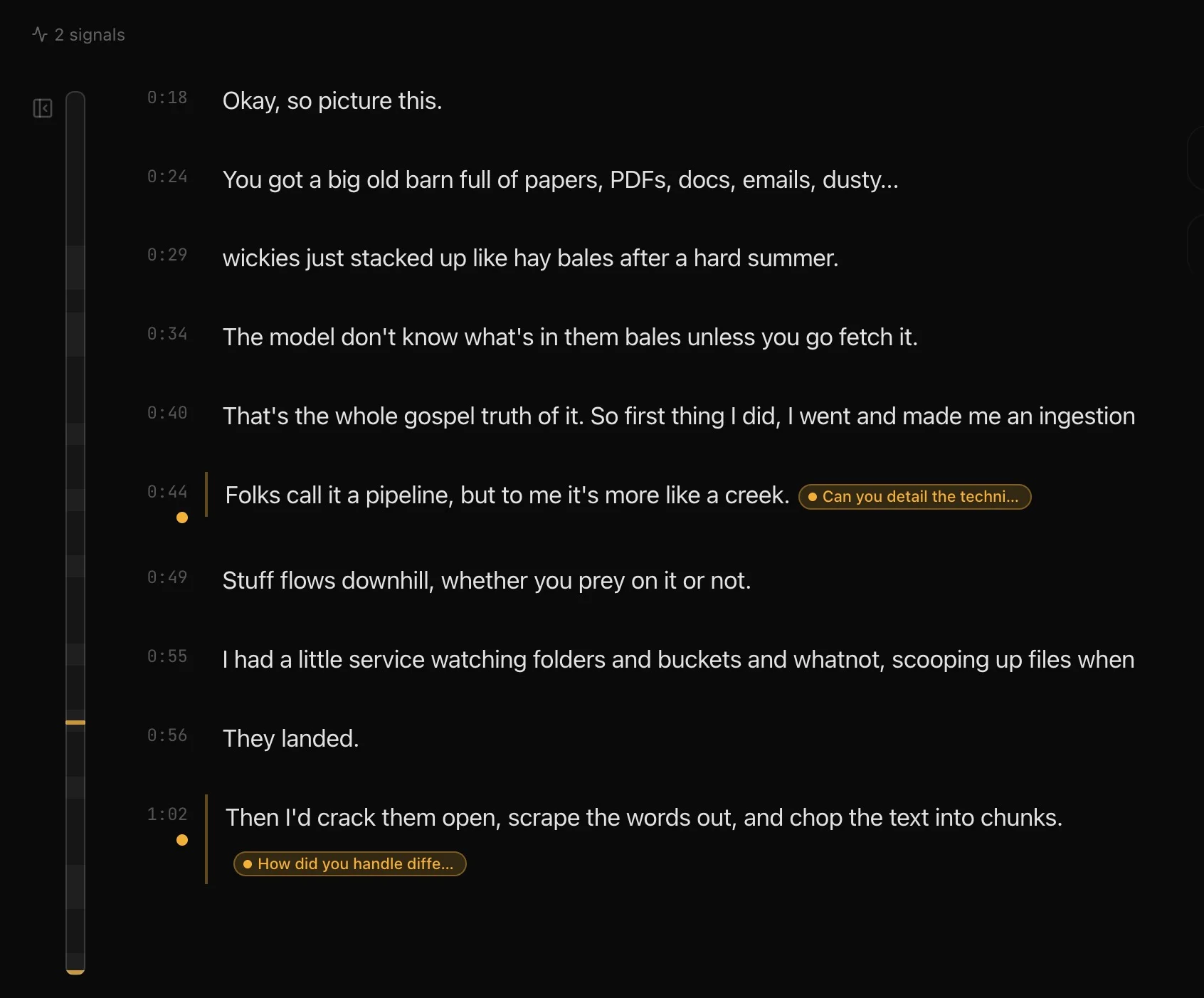
Transcript
Playbook checklist
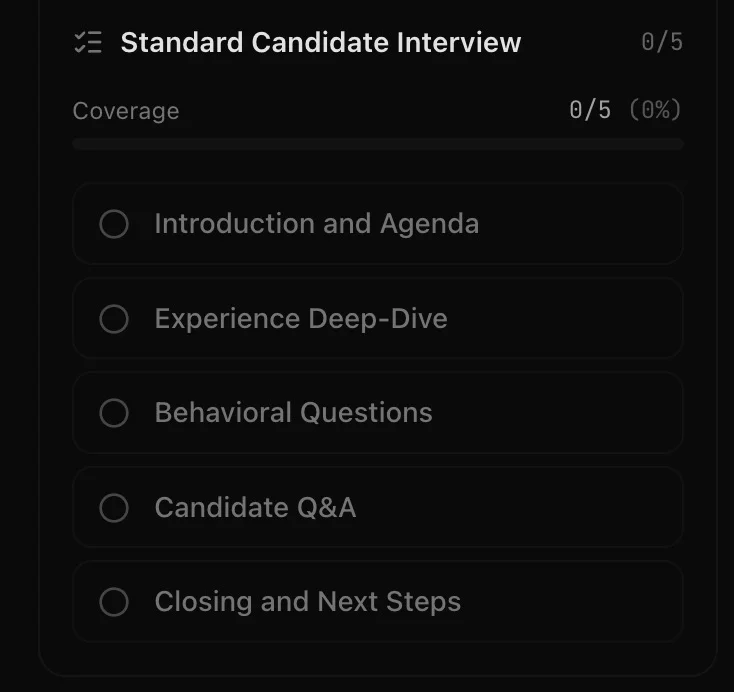
Each tracked topic includes a timestamp link that scrolls to the relevant part of the transcript.
A progress bar at the top shows overall coverage. If you ran a discovery call with six qualifying questions in your Playbook, you can see at a glance that you covered four of them.
Session insights
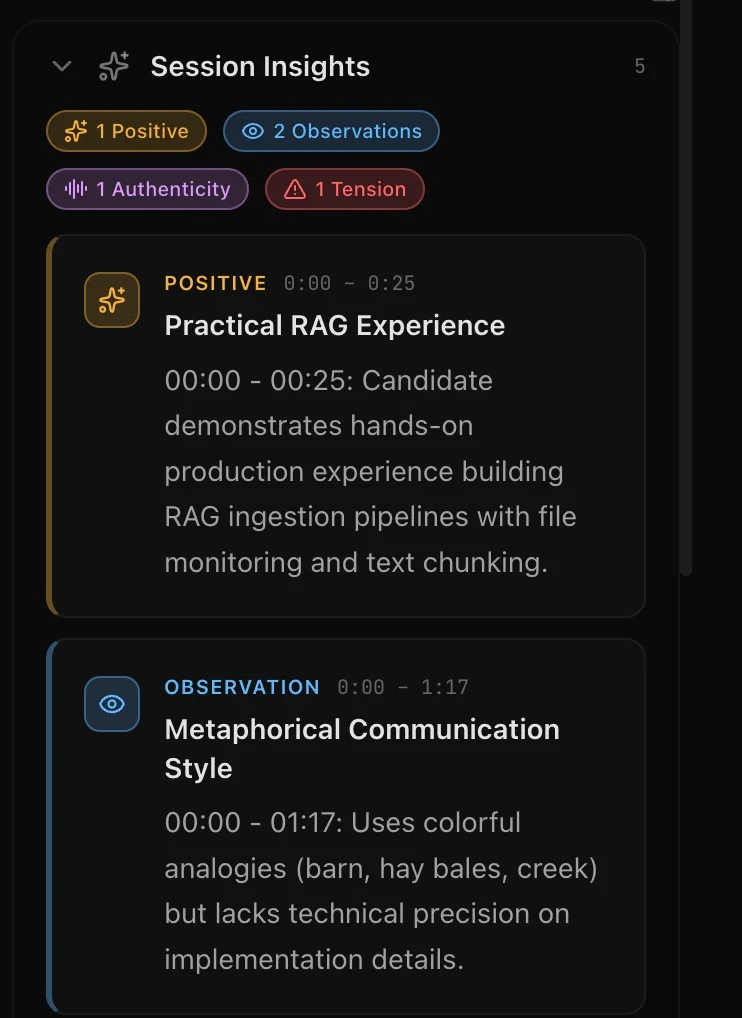
- Tension moments with timestamps and context
- Resolution points where conflict or concern was addressed
- Positive interactions worth noting
- General observations about conversation dynamics
- Authenticity markers
Tone summary
If your session had tone analysis enabled (Signals plans), the detail view includes a radar chart showing the average scores across all eight tone dimensions. This gives you a quick visual profile of how the conversation felt overall. See tone analysis for details on the dimensions.Editing session metadata
You can update the session title and summary from the detail view. The AI-generated defaults are a starting point. If you want to name a session “Q2 Pipeline Review with Acme Corp” instead of whatever the AI came up with, go ahead.Searching and filtering
The session list supports:- Text search across titles and summaries
- Status filtering (all, active, completed, failed)
- Pagination for large histories